
Google Workspace vs. Microsoft 365 – A Real Decision Guide for Growing Businesses
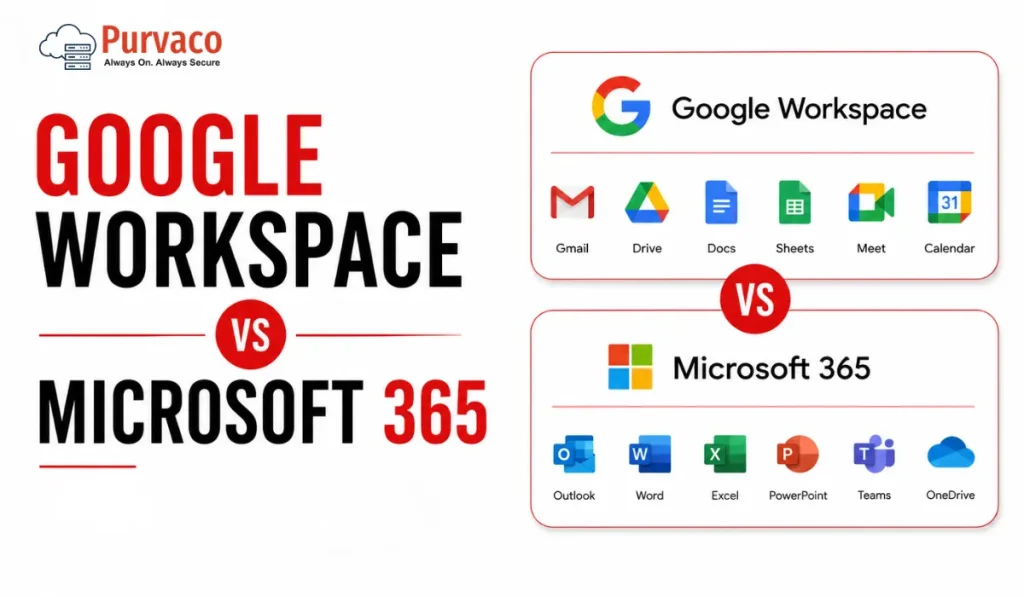
A 22-person logistics company once asked us to “just confirm” their choice of Google Workspace before they signed the contract. On paper, it made sense. Cheaper per-seat pricing, simple Gmail interface, and most of the team had used Gmail personally for years. Eight months later, their finance team was stuck. Their accountant needed Excel macros that didn’t translate to Google Sheets. Their client contracts required Word’s tracked changes feature because that’s what the client’s legal team used. And their old vendor invoices, all PDFs generated from Outlook templates, needed reformatting every time someone opened them in Docs. None of this showed up in a feature comparison. It showed up three months after go-live, when people were already used to their old habits and didn’t want to relearn anything twice. This is the pattern we see again and again. Businesses choose a productivity suite based on email and storage, because that’s what’s visible during the sales conversation. The real cost shows up later, in workflows nobody mapped out: how finance reconciles spreadsheets, how sales shares proposals with clients, how operations runs recurring meetings, how IT manages devices once the company crosses 30, 50, or 100 employees. Google Workspace and Microsoft 365 are both capable platforms. Neither is “better” in a vacuum. What matters is which one matches how your specific teams already work, and which one creates less friction as you scale. This guide walks through that decision the way we’d walk a client through it: not as a spec sheet, but as a set of operational tradeoffs you’ll live with for years. Quick Verdict Table Category Google Workspace Microsoft 365 Notes Ease of Use Simple, minimal learning curve Steeper initially, especially desktop apps Google wins for non-technical teams Collaboration Real-time, browser-first, very smooth Real-time via OneDrive/SharePoint, improved but historically clunkier Google still edges ahead for live co-editing Email Gmail interface, strong spam filtering, simple Outlook, more powerful rules, folders, and enterprise features Depends on team habits Storage Pooled storage across users (on most plans) Per-user OneDrive allocation plus SharePoint Microsoft offers more granular control Security Strong baseline, simpler to configure Deep, layered, but requires configuration expertise Microsoft wins for regulated industries Admin Controls Clean, accessible admin console Extremely powerful but complex (Entra ID, Intune, Purview) Microsoft has a steeper admin learning curve AI Features Gemini integrated across Docs, Gmail, Sheets Copilot integrated across Word, Excel, Outlook, Teams Both require add-on licensing for full AI access Pricing Logic Simple per-user tiers Per-user tiers, but upgrade paths are more complex Microsoft pricing has more “gotchas” Remote Work Strong, browser-native Strong, especially with Teams as a hub Roughly equal, different strengths Compliance Solid for SMB, less depth for heavy regulation Deeper compliance tooling (Purview, eDiscovery, retention policies) Microsoft preferred in finance, healthcare, legal Scalability Good up to mid-size; some friction at enterprise scale Built for enterprise scale from the start Microsoft scales more predictably Best Fit Startups, agencies, teams already in Google ecosystem Enterprises, regulated industries, Windows-heavy environments Context-dependent, not universal What Most Buyers Get Wrong Google Workspace Overview Actual strengths Google Workspace is genuinely fast to deploy. A small team can be sending email and collaborating on documents within a day, often without IT involvement. Real-time collaboration in Docs, Sheets, and Slides is still the benchmark — multiple people editing the same document with visible cursors and instant updates feels native, not bolted on. Gmail’s spam and phishing filtering is strong out of the box, which matters for smaller businesses without a dedicated security team. The admin console, while less powerful than Microsoft’s equivalent, is far easier for a generalist IT person — or even a founder — to navigate. Operational limitations Offline functionality, while improved, still isn’t as seamless as working in a desktop Office app. Teams that travel frequently or work in low-connectivity environments (field service, manufacturing floors, construction sites) sometimes find this frustrating. Complex spreadsheet work — large datasets, pivot tables with heavy formulas, macros — performs noticeably worse in Sheets than in Excel. If your finance or operations team lives in spreadsheets with thousands of rows and complex formulas, this is worth testing before committing. Compatibility with Microsoft file formats is good but not perfect. A Word document with specific formatting, tracked changes, or embedded objects can shift slightly when opened in Docs. For internal use this rarely matters. For client-facing documents — proposals, contracts, branded templates — small formatting shifts can look unprofessional. Who benefits most Startups under 50 people, digital agencies, and businesses where the team already lives in the Google ecosystem (Android phones, personal Gmail habits, Chrome as the default browser). Teams that prioritize speed of collaboration over deep document formatting control. Hidden considerations Pooled storage sounds generous until you have a few users storing large video files or design assets — it can be consumed faster than expected across the organization. Also, some third-party business tools (certain accounting software, legacy CRM plugins, niche industry tools) still build their integrations primarily for Outlook and Excel first, Google second. Microsoft 365 Overview Enterprise strengths Microsoft 365’s depth is its main selling point. Excel remains the standard for complex financial modeling, and nothing in Google Sheets fully replicates advanced macros, certain pivot table behaviors, or specialized financial functions used in accounting and finance teams. Teams has become the operational hub for many mid-size and large businesses — not just for meetings, but for persistent channels, file collaboration, and third-party app integration. SharePoint, while complex, gives IT teams granular control over document libraries, permissions, and retention that Google Drive doesn’t match at the same level of detail. Compliance tooling — Microsoft Purview for data classification, retention policies, eDiscovery, and audit logs — is built for industries where regulators ask detailed questions about data handling: legal, healthcare, financial services, government contractors. Real-world complexity This depth comes with administrative weight. Setting up conditional access policies, configuring Intune for device management, and managing licensing across different SKUs (E3 vs E5, Business Standard vs Business Premium) requires either a dedicated IT

